
How to Get More Customers from Google Maps: A Comprehensive Guide
In today's digital landscape, local search is more important than ever. When people are looking for a product or service, they often turn to Google. And when they do, Google Maps is frequently the first place they look. Having a strong presence on Google Maps can be a game-changer for your business, driving more foot traffic, phone calls, and online orders. This guide will walk you through the steps you need to take to optimize your Google Maps listing and attract more customers.
1. Claim and Optimize Your Google Business Profile

Your Google Business Profile (formerly Google My Business) is the foundation of your Google Maps presence. If you haven't already, the first step is to claim and verify your listing. Here’s how:
- Search for your business on Google Maps. If it's already listed, look for an option to "Claim this business."
- If your business isn't listed, go to Google Business Profile and create a new listing.
- Follow the verification process. Google will typically send a postcard with a verification code to your business address.
Once you've claimed your listing, it's time to optimize it. This means providing as much accurate and compelling information as possible. Here's a breakdown of key optimization areas:
a. Accurate Business Information
Ensure that all your business information is accurate and up-to-date. This includes:
- Business Name: Use your official business name.
- Address: Provide your complete and accurate physical address.
- Phone Number: Use a phone number that you actively monitor.
- Website: This is crucial! Link to your website (more on this later). For example, you would link to our.site here.
- Business Hours: Keep your hours updated, especially for holidays and special events.
- Category: Choose the most relevant category and subcategories for your business. This helps Google understand what you offer.
b. Compelling Business Description
Your business description is your chance to tell potential customers what makes you special. Write a concise and engaging description that highlights your key offerings, values, and unique selling points. Include relevant keywords that people might use when searching for businesses like yours.
c. Services/Products
List your services or products within your Google Business Profile. This allows potential customers to see exactly what you offer without having to visit your website. Be specific and use relevant keywords.
2. The Power of a Linked Website (Like our.site!)
Linking your Google Business Profile to your website, like our.site, is paramount for several reasons:
- Increased Visibility: Google favors businesses that have a complete and well-maintained online presence. A linked website signals to Google that your business is legitimate and trustworthy.
- Improved Search Ranking: A strong website optimized for relevant keywords will boost your overall search ranking, including your Google Maps ranking.
- More Information for Customers: Your website provides potential customers with a wealth of information that goes beyond what's available in your Google Business Profile. This includes detailed product descriptions, pricing, customer testimonials, and contact forms.
- Direct Traffic to Your Website: The link in your Google Business Profile drives traffic directly to your website, where you can convert visitors into customers.
Make sure your website is mobile-friendly, easy to navigate, and provides a clear call to action. For example, our.site is designed to be user-friendly and optimized for conversions.
3. Master the Art of Review Management
Reviews are a critical factor in influencing customer decisions. Positive reviews build trust and credibility, while negative reviews can deter potential customers. Effective review management is essential for maintaining a positive online reputation.
a. Encourage Customers to Leave Reviews
Don't be afraid to ask your satisfied customers to leave a review on Google. You can do this in several ways:
- In-Person: Train your staff to politely ask customers to leave a review.
- Email: Send a follow-up email after a purchase or service, including a direct link to your Google Business Profile review section.
- Social Media: Promote your Google Business Profile on your social media channels and encourage followers to leave a review.
- QR Codes: Place QR codes on receipts, business cards, or in your store that link directly to your review page.
b. Respond to Reviews Promptly and Professionally
Responding to both positive and negative reviews is crucial. Here's why:
- Shows You Care: Responding demonstrates that you value customer feedback.
- Addresses Concerns: Responding to negative reviews gives you the opportunity to address concerns and potentially resolve issues.
- Reinforces Positivity: Thanking customers for positive reviews reinforces their positive experience and encourages them to return.
When responding to negative reviews, remain calm and professional. Acknowledge the customer's concerns, apologize for any inconvenience, and offer a solution. Avoid getting defensive or argumentative.
c. Monitor Your Reviews Regularly
Set up alerts to notify you when new reviews are posted. This allows you to respond promptly and address any issues before they escalate. Regularly monitoring your reviews also helps you identify areas where you can improve your products or services.
4. Showcase Your Business with High-Quality Photos

Visuals are powerful. High-quality photos can significantly enhance your Google Business Profile and attract more customers. Invest in professional photos or take high-resolution photos yourself. Here are some types of photos you should include:
- Exterior Photos: Showcase the exterior of your business, including your signage and entrance. This helps customers easily identify your location.
- Interior Photos: Give customers a glimpse inside your business, highlighting your ambiance, decor, and key features.
- Product Photos: Showcase your products in an appealing and informative way.
- Team Photos: Introduce your team members and create a friendly and approachable atmosphere.
- Action Shots: Showcase your services in action, such as customers enjoying your products or staff providing excellent service.
Make sure your photos are well-lit, in focus, and accurately represent your business. Regularly update your photos to keep your listing fresh and engaging.
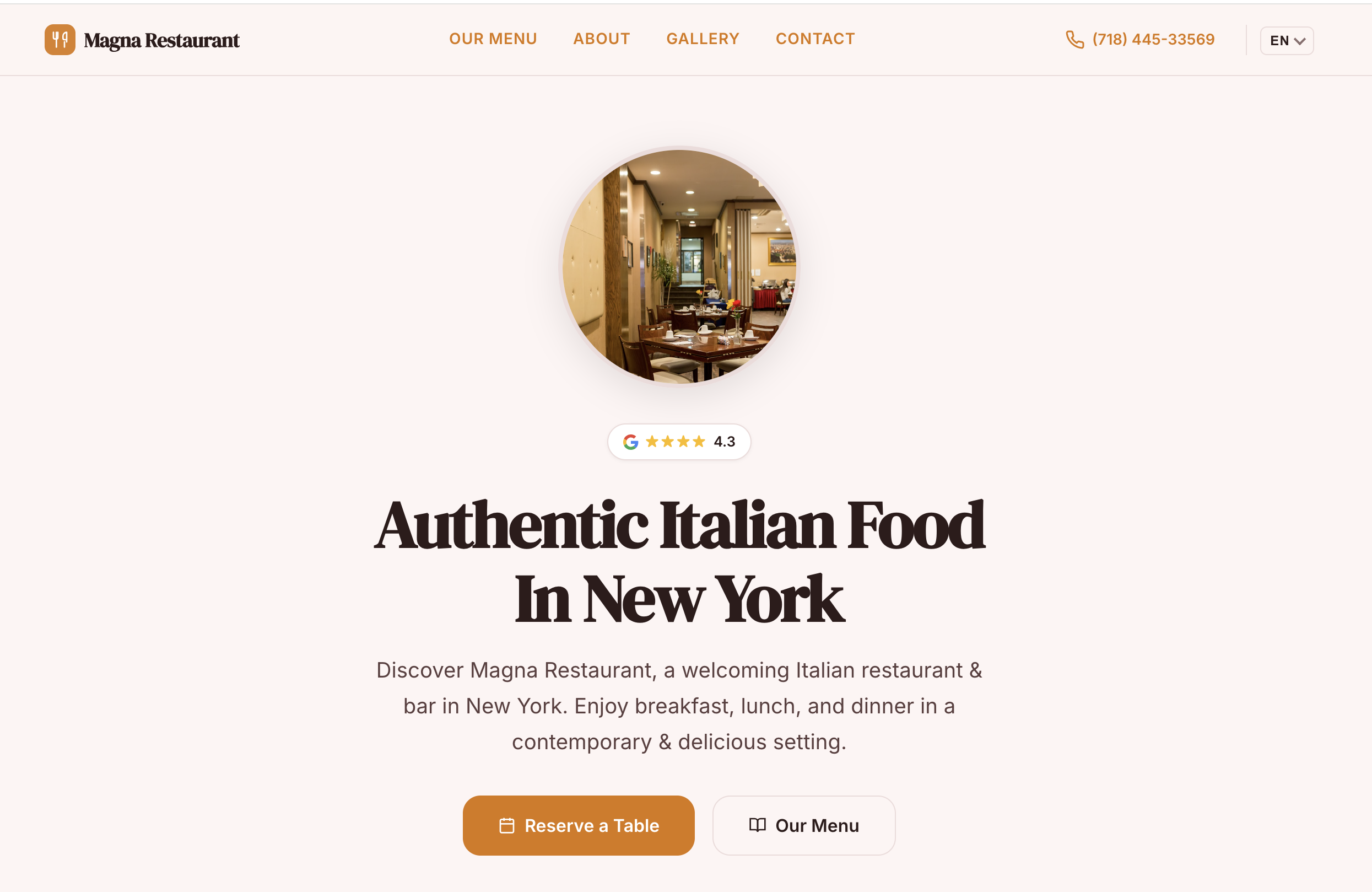
Example of a well-optimized Google Maps listing. Replace 'placeholder-image.jpg' with an actual image.
5. Utilize Google Posts
Google Posts allows you to share updates, promotions, events, and special offers directly on your Google Business Profile. These posts appear in the Google search results and on Google Maps, giving you a valuable opportunity to engage with potential customers.
- Announce Promotions: Share discounts, sales, and special offers to attract new customers.
- Promote Events: Announce upcoming events, workshops, or classes.
- Share Updates: Keep customers informed about new products, services, or changes to your business.
- Highlight Products: Showcase specific products with compelling images and descriptions.
Google Posts are temporary, so be sure to update them regularly to keep your content fresh and relevant.
6. Keep Your Information Up-to-Date
Google values accurate and up-to-date information. Regularly review your Google Business Profile to ensure that all information is correct. Update your hours, address, phone number, and website link (like our.site) if anything changes. This helps Google maintain trust in your listing and improves your ranking.
Conclusion
Optimizing your Google Maps presence is an ongoing process, but it's well worth the effort. By claiming and optimizing your Google Business Profile, linking to a strong website like our.site, managing your reviews effectively, showcasing high-quality photos, and utilizing Google Posts, you can attract more customers and grow your business. Start implementing these strategies today and watch your local search visibility soar!
Create Your Professional Website in 30 Seconds
Paste your Google Maps link and let AI build your website instantly. Free, no coding required.
Try our.site Free